 Receipts To Sheets
 Powerful Features for Receipt Management
Transform your expense tracking with intelligent receipt processing and automatic spreadsheet organization.
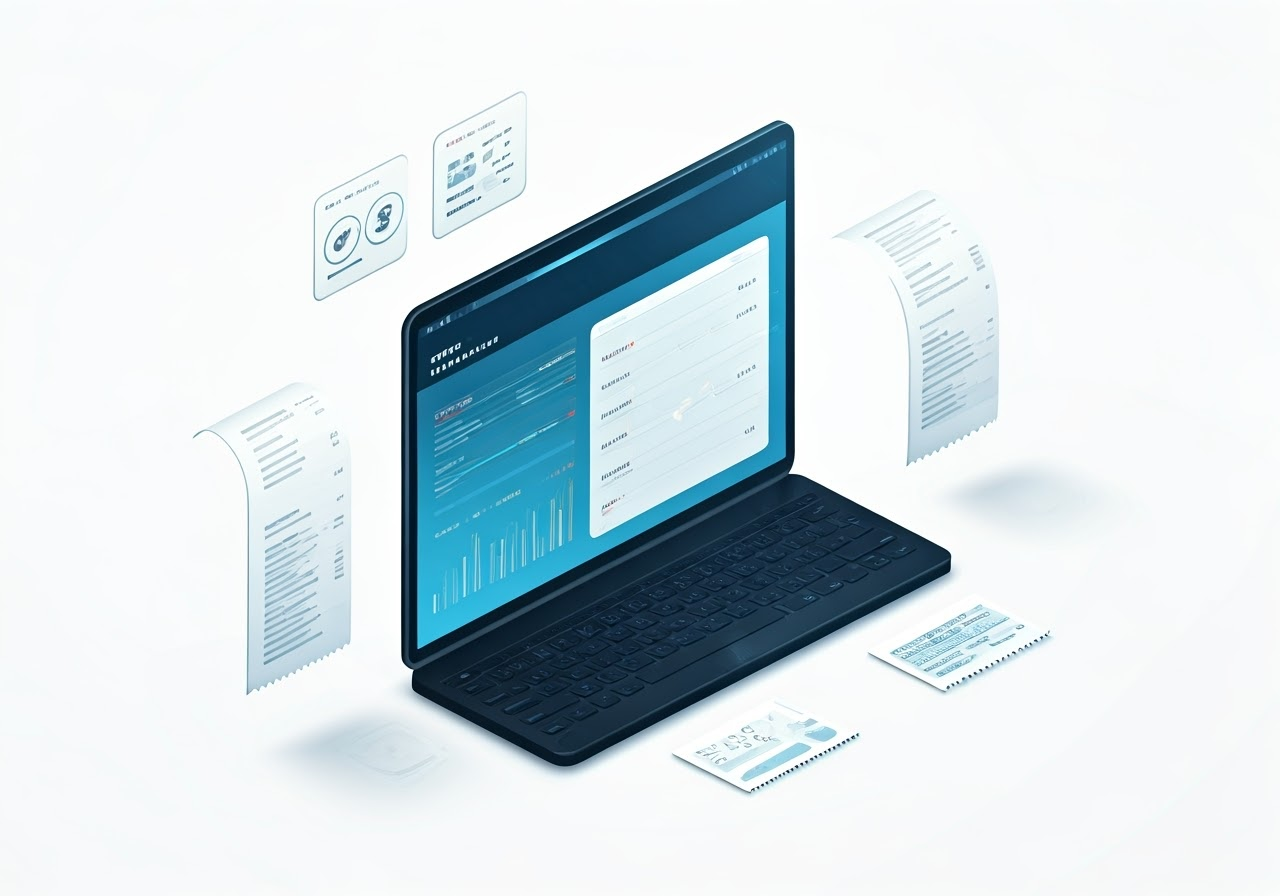
Smart Receipt Processing
Advanced AI-powered receipt analysis that works with various formats and sources.
- Support for email receipts, PDF attachments, and images
- Automatic vendor recognition and categorization
- Extract line items, taxes, and totals
- Handle multiple currencies and formats
Google Sheets Integration
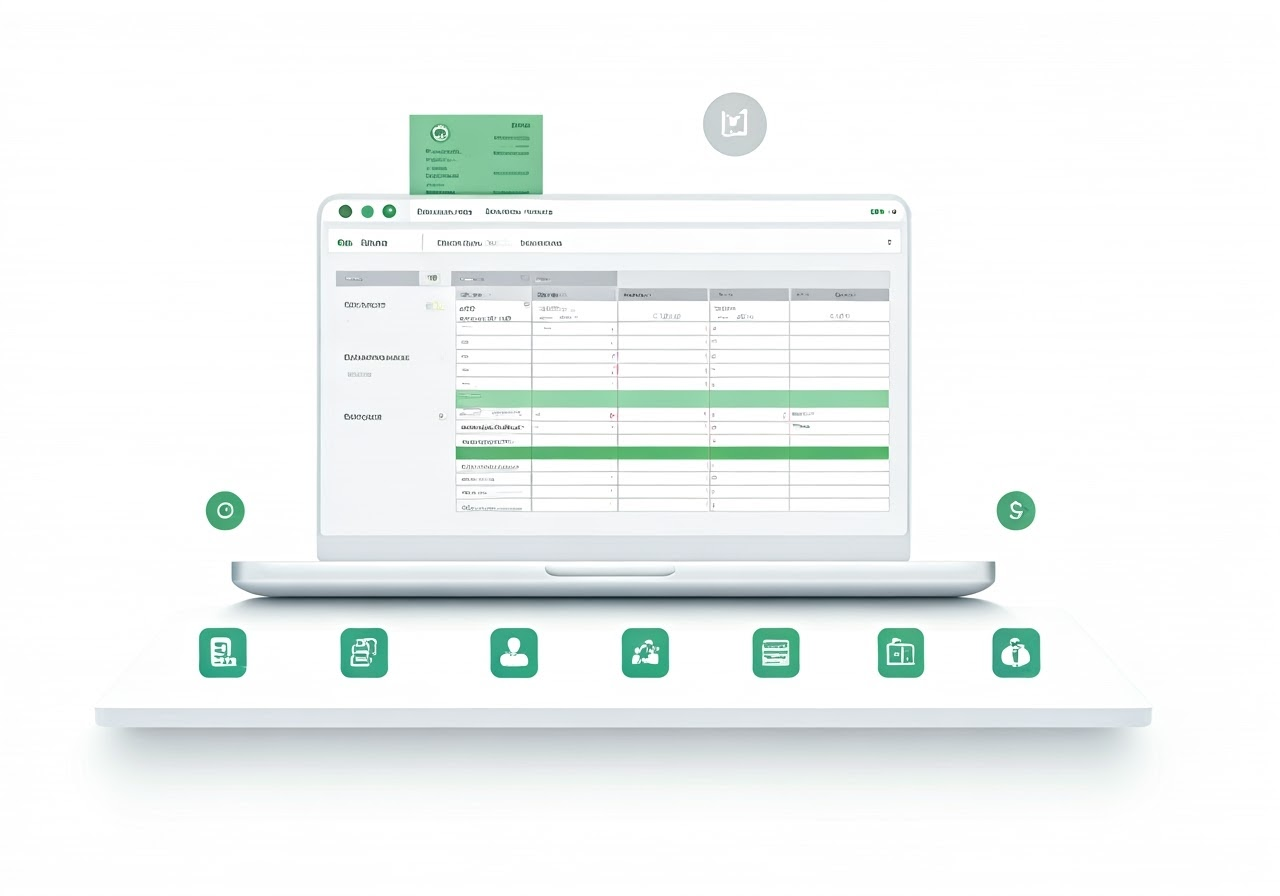
Seamlessly organize your receipt data in Google Sheets.
- Automatic spreadsheet creation and formatting
- Custom category mapping for better organization
- Real-time updates as receipts are processed
- Multiple spreadsheet support for different purposes
Smart Mailbox Management
Dedicated email addresses for organized receipt collection.
- Create multiple mailboxes for different purposes
- Custom email address for each mailbox
- Automatic email filtering and processing
- Forward receipts from any email client

Secure Data Storage
Your data security is our top priority. We leverage Google Drive for secure storage.
- All receipt data stored directly in your Google Drive
- No receipt data stored on our servers
- We only store your email and mailbox settings
- Full control over your data access and retention
Local Excel File Management
Work with Excel files stored directly on your device for complete privacy. Receipt processing requires internet connectivity.
- Create new Excel files or open existing ones
- Files stored directly on your device - secure and private
- Receipt processing requires internet connection for online services
- Automatic file saving to your chosen location
- Native file sharing capabilities on mobile devices

Connect your receipt data with popular accounting software.
- Seamless Zapier integration
- Real-time QuickBooks synchronization
- Automated workflow triggers
- Custom data mapping options

Local Excel File Management
Take complete control of your data with our Excel file management system. Keep your data private with local file storage, and integrate seamlessly with your existing Excel workflows.
Secure & Private
Your Excel files are stored directly on your device. Local storage provides privacy and control for your sensitive financial information.
Local File Storage
Store and manage Excel files locally on your device for complete privacy and data control.
Use Existing Files
Open your current Excel expense files and seamlessly add new receipt data. No need to start from scratch or change your workflow.
Structured Data
Automatic creation of properly formatted worksheets with receipts, line items, and metadata - ready for analysis and reporting.
Receipt Processing
Upload receipt photos or PDFs and extract data directly into your Excel file using AI-powered processing.
Easy Sharing
Share Excel files directly from your mobile device using native sharing capabilities. Email, cloud storage, or any app that accepts Excel files.
How It Works
Create or Open Excel File
Start with a new Excel file or open an existing expense tracking file from your computer.
Upload Receipt
Take a photo of your receipt or upload a PDF. Our AI extracts all the relevant data automatically.
Data Added Automatically
Receipt data is automatically added to your Excel file with proper formatting and organization.
HSA/FSA Specialized Features
Streamline your health savings account and flexible spending account management with our specialized features.
HSA/FSA Item Detection
Automatically identify IRS-eligible medical expenses
Categorization
Automatic categorization of medical expenses following IRS guidelines
Reimbursement Tracking
Track the status of your HSA/FSA reimbursements
IRS Compliance
Maintain records that comply with IRS documentation requirements
More Powerful Features
Excel Format Support
Native Excel file creation with proper formatting and multiple worksheets
Local File Management
Manage Excel files locally on your device. Receipt processing requires internet connectivity.
File System Integration
Seamless integration with your device file system for easy access and organization
Custom Categories
Create and manage custom categories for better expense organization
Data Export
Export your data in multiple formats for accounting software
Receipt Archive
All your receipts safely stored and easily accessible
Multi-Currency Support
Handle receipts in different currencies automatically
Privacy First
Your data stays in your Google Drive - we only store your email and mailbox preferences
Detailed Analytics
Get insights into your spending patterns and categories
Accounting Integration
Automatically sync with QuickBooks and other accounting software through Zapier